Drag to draw · drag back to rub outTap a path + Delete · double-tap to clear
How to play Circuit Paths
Circuit Paths is a whole family of puzzles built on one idea: divide every dot on the board into separate paths. In the classic version there are 66 dots — 22 solid and 44 white — to split into 11 paths of six, each running solid → white → white → white → white → solid.
The other types change the rules but not the idea: colour pairs to join, numbers that give each path’s length, white dots whose values must add up to a target, letters that spell words, paths that must turn exactly twice or visit two regions, closed loops, bridges where two paths can cross, hexagonal boards and freeform networks.
Every puzzle is made solution-first and checked by an exact solver, so it has exactly one answer. Hints never just copy the answer: they find forced paths, forced steps and contradictions, and explain them. The creator lets you build your own, export them as JSON, and share a link.
How to play Circuit Paths
Divide every dot into separate paths; each path follows the rules for length, endpoints and anything else the puzzle sets.
The rules
Every playable dot belongs to exactly one path. No dot is shared and none is left over (unless the puzzle says some may be).
Paths move along allowed connections — across and down on a grid, six ways on a hexagonal board, along the links on a freeform board.
A path starts and ends on endpoint dots and never passes through one. Internal dots join exactly two neighbours; endpoints join one.
Each type adds rules: a fixed length (Classic: six dots), matching colours, endpoint numbers that give the length, target sums, rising numbers, exact turns, regions to visit, words to spell, or closed loops. Bridges and tunnels let two paths cross.
More types: triangle boards; two floors joined by lettered lifts; branching networks (only ✚ junctions branch, and in Network Junctions a network may also close a loop); Match Up (join each question to its answer); Double Lengths (one path is twice as long as another); One-Way Streets (all the arrows on a path point the same way); Hidden Ends (any dot may end a path, but grey stop dots can only be ends); Odd Dot Out (exactly one dot can’t be used); and Cheapest Routes (any valid answer, but aim for the lowest cost).
Playing here
Choose a puzzle type and size, then press New Puzzle. The rules for that type are written under the board.
Drag from dot to dot to draw a path. Drag back along it to rub out. Tap a path to select it and press Delete, or double-tap / right-click a dot to clear its path.
Every dot must end up on exactly one path, and every path must follow the rules — the right length, the right endpoints, and any sums, words, turns or regions.
Mistakes get a specific message (“This path contains seven dots; it must contain six.”). Hint and the Genie explain the next forced step. 📽 Present makes the board big for a classroom screen.
Choose Board shape: Symmetric for boards with a symmetric outline. In networks, only the ✚ junction squares may branch; in cost challenges any valid answer solves it, and the aim is the cheapest.
Tips
Corners and dead ends. A dot with only one free neighbour must connect to it — and an endpoint with one free neighbour must start that way.
Count to the length. If a path already has five of its six dots, it must finish on the adjacent endpoint.
Don’t strand dots. Before you draw a step, check it doesn’t cut off a pocket of dots too small (or the wrong size) to make paths.
Endpoints are walls. A path can never pass through an endpoint, so endpoints split the board into lanes.
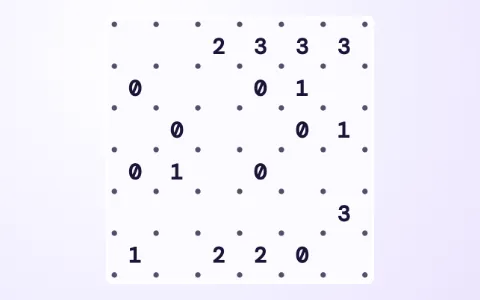 Slitherlinkdraw one loop around the numbers
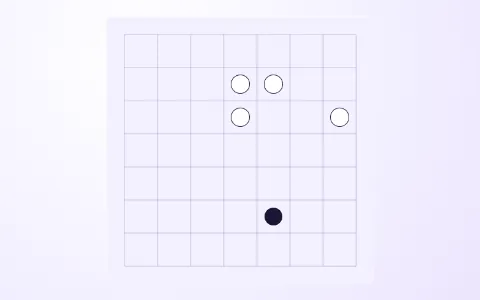 Pearl Pathone loop through every pearl
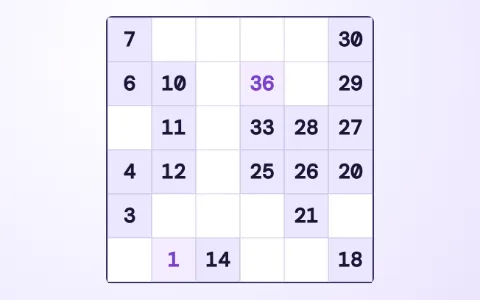 Number Snakejoin 1 to N in a chain
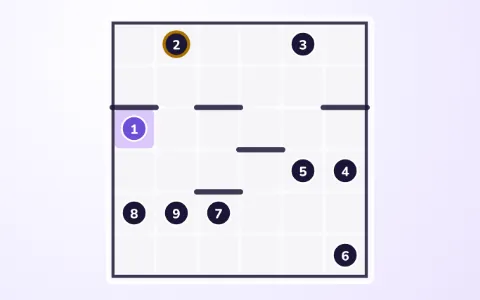 Number Pathone path through every square, in order
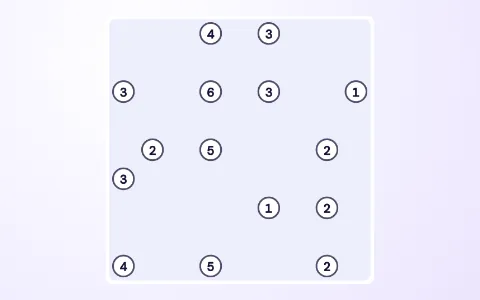 Bridgesjoin the islands · bridges never cross
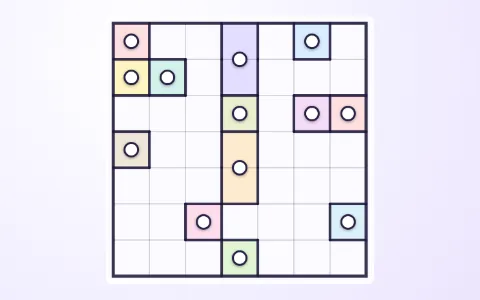 Galaxiessplit the sky into balanced galaxies